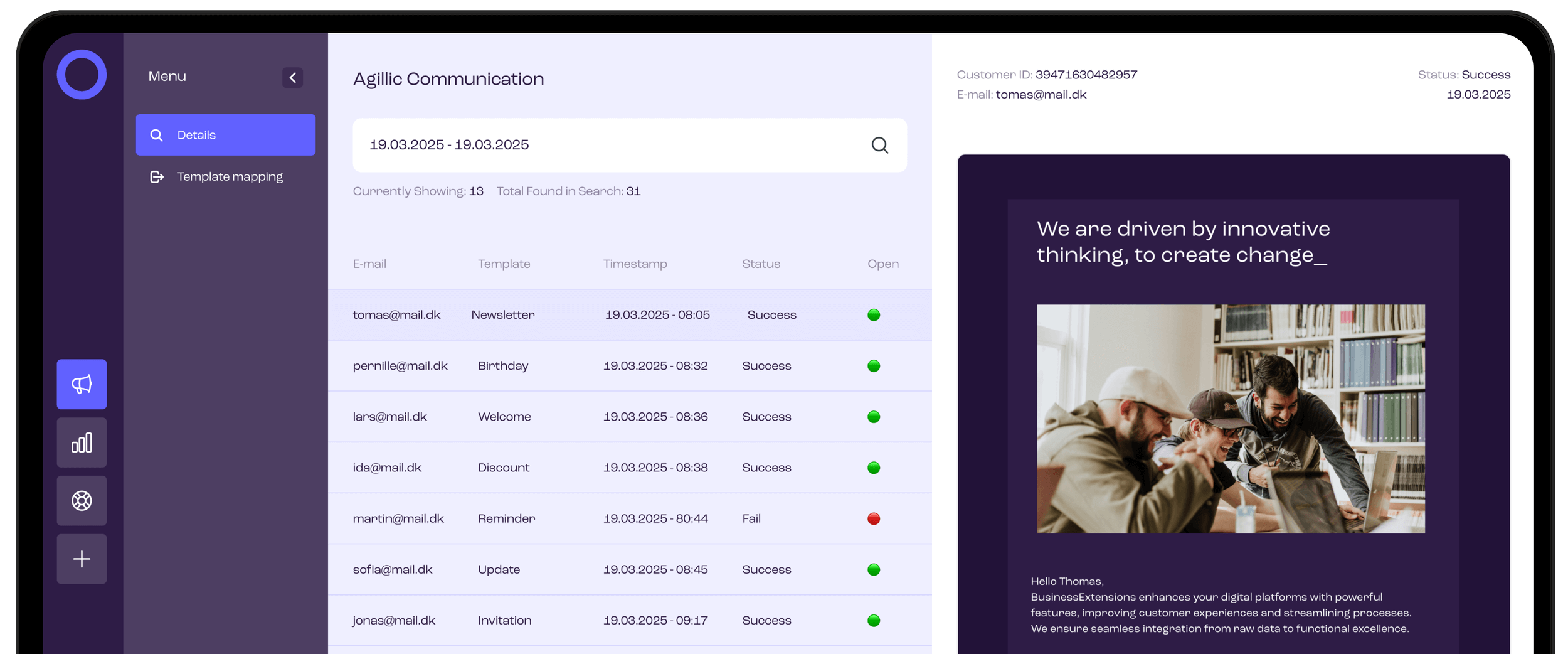
Agillic Communication History in One View for Every Customer
Enhance customer service, improve user experience and increase efficiency with the Agillic Communication business extension.
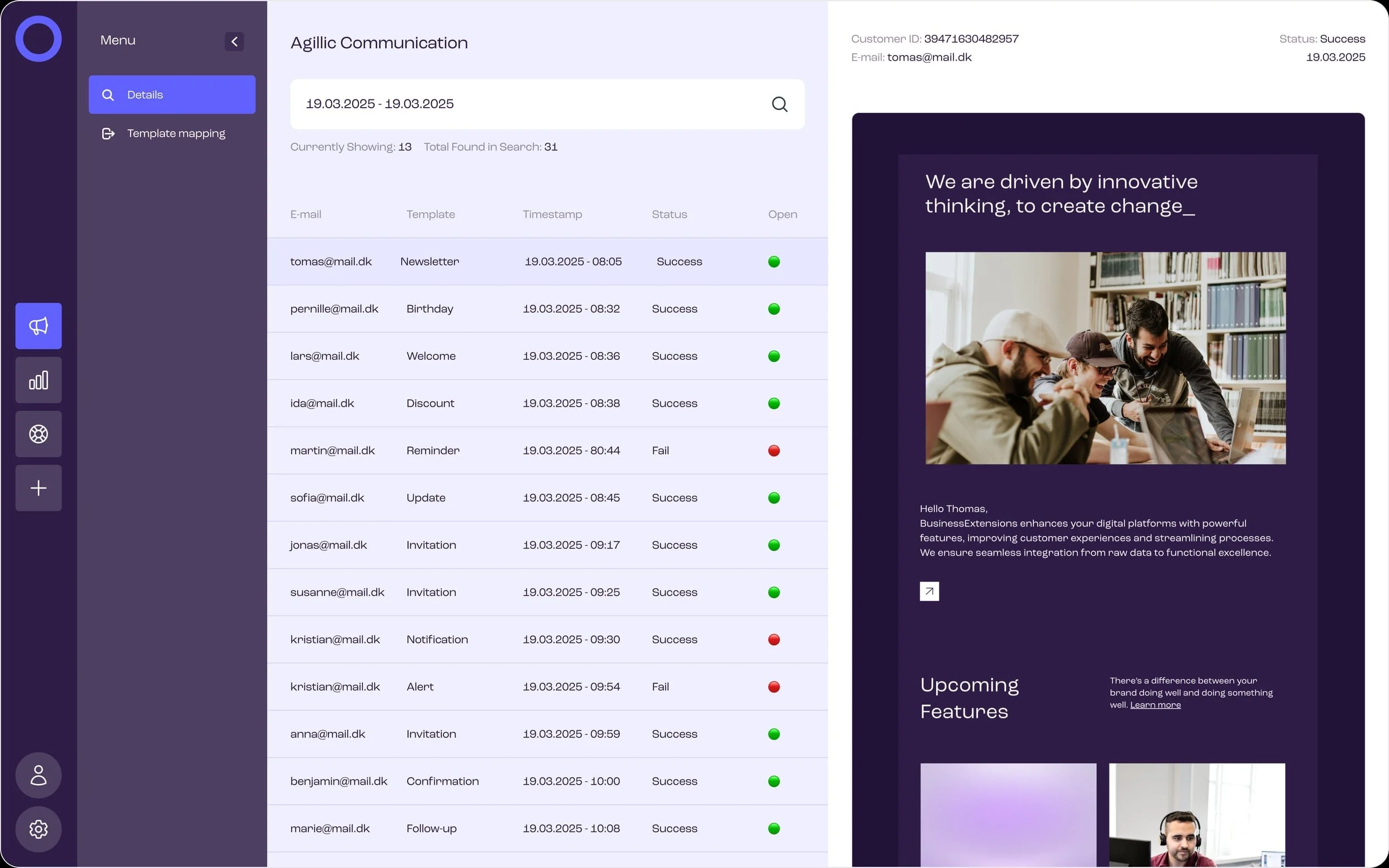
The extension provides support and marketing teams with instant access to customer messages across relevant marketing channels including email, SMS, and app push.
Find what was sent, when it was sent, and through which channel - so you can verify deliveries, resolve inquiries faster, and improve the overall customer experience.
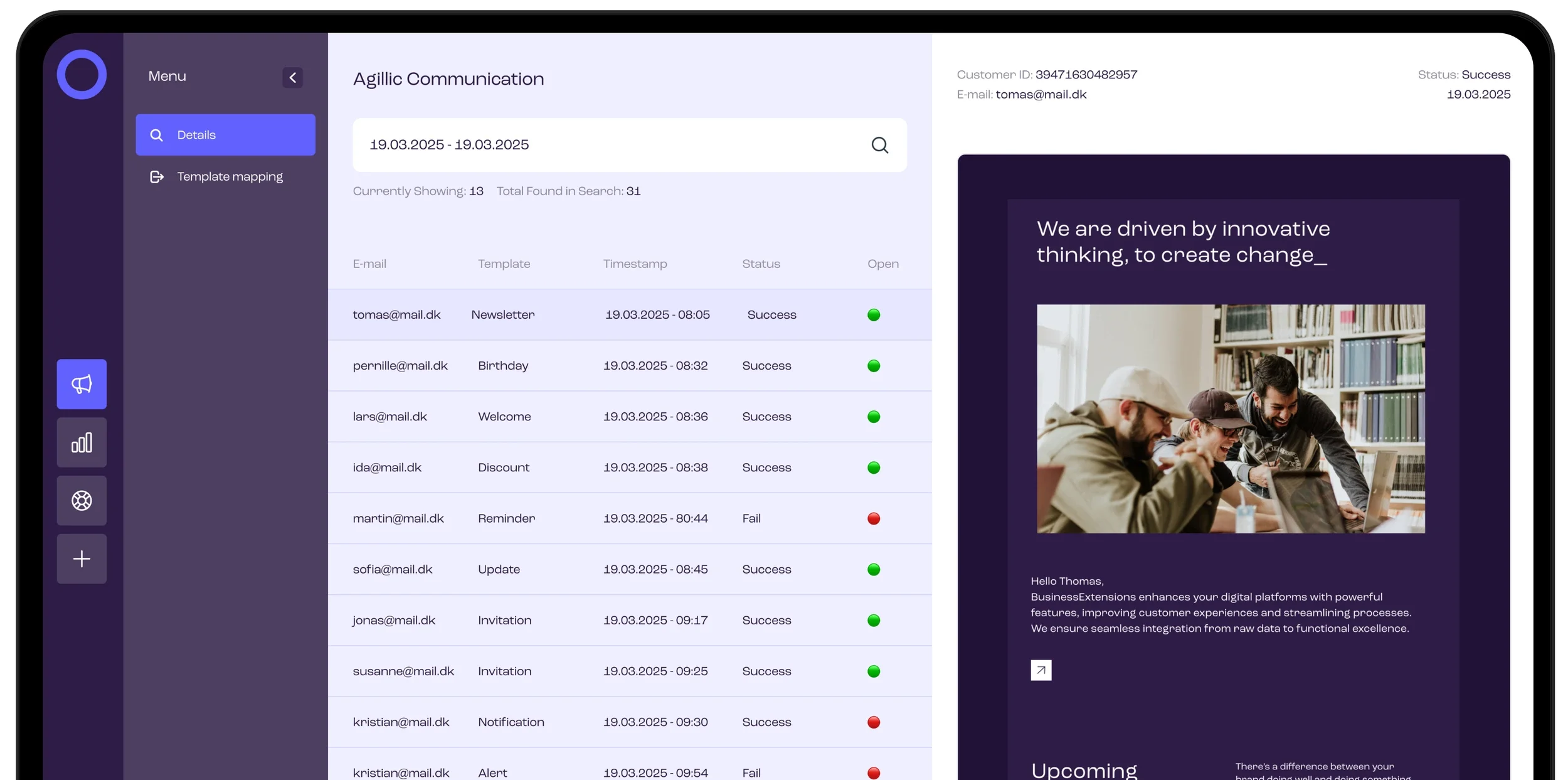
Struggling to locate specific emails or other messages in Agillic? Our business extension provides instant access to customer communications for anybody in your organisation.
Communcation Details
Easily locate personalized emails, SMS and other outbound messages—no expertise or special access needed. The application enhances your customer service, experience, and efficiency by providing access to detailed customer communications in a digestible format.
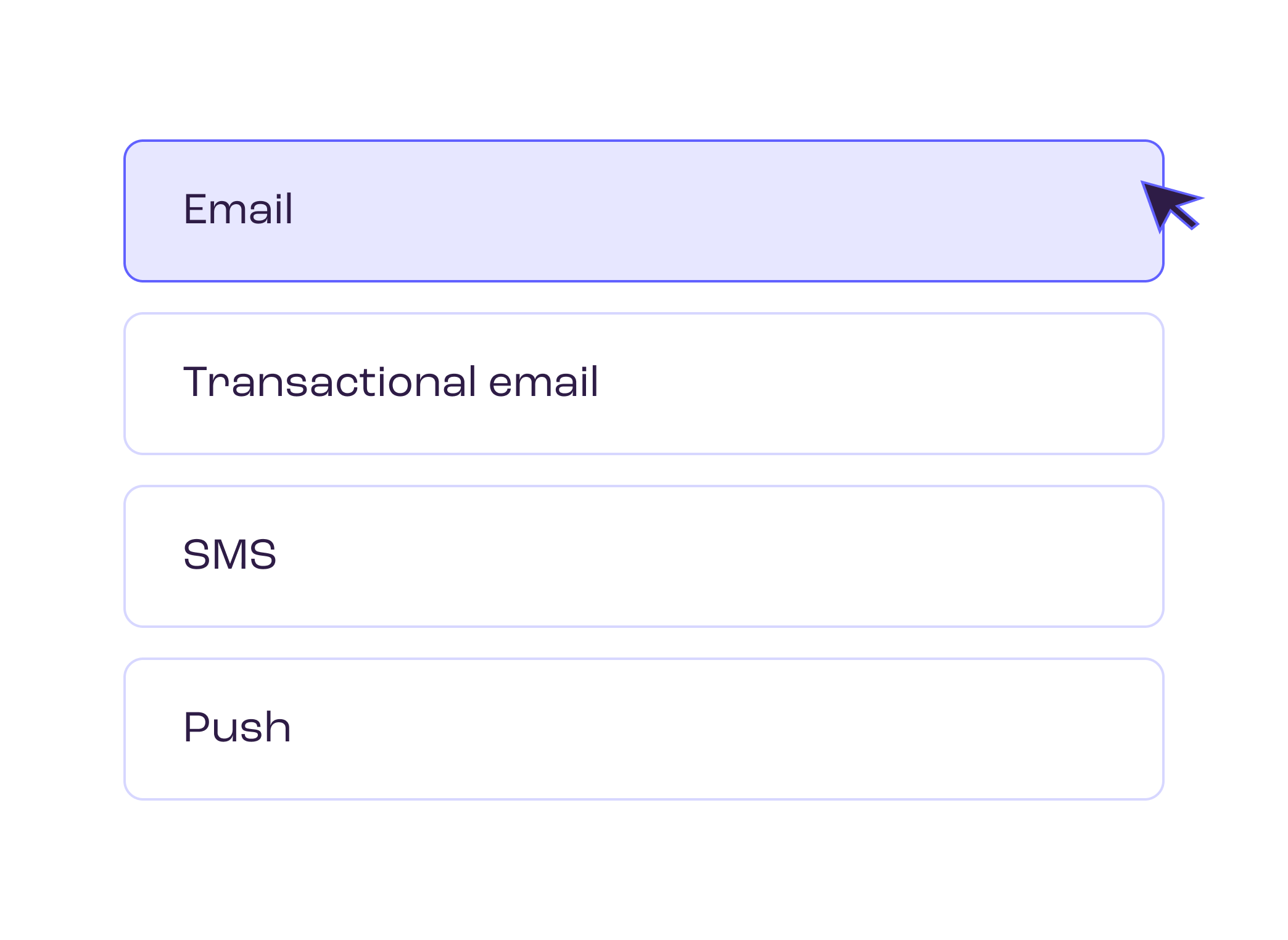
Template mapping
Unsure whether your colleagues grasp your naming conventions? Template mapping lets you customize email template names to avoid just that. Keep your data well-structured and easy to overview so that customer support teams can work faster.
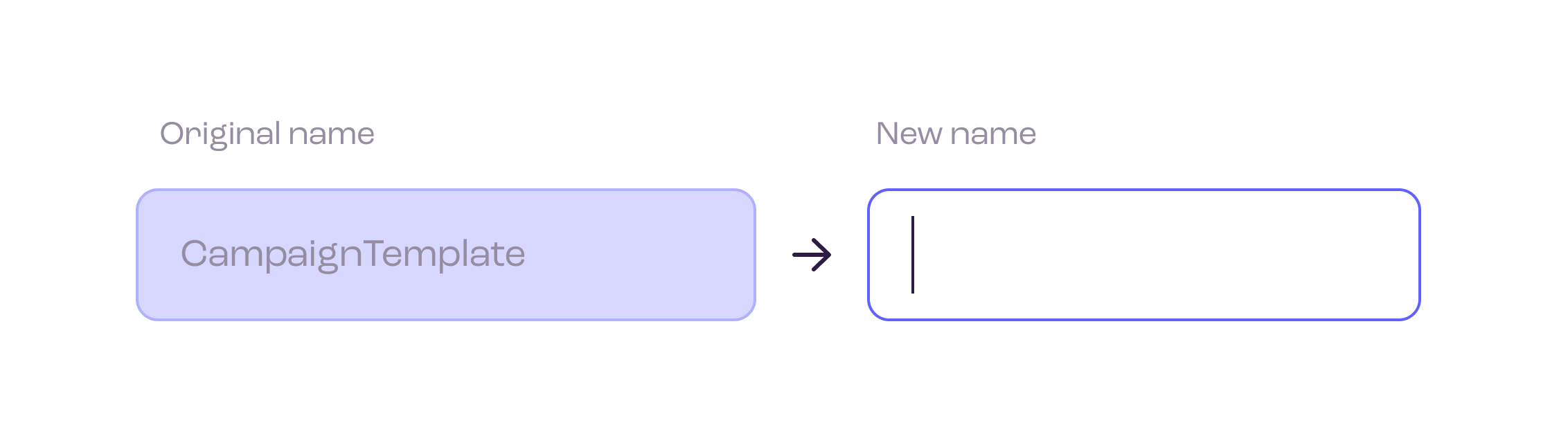
Use cases
Customer Support: Confirm if and when a message was delivered
Compliance & Audit: Verify who received what with a clear trail
CX Optimization: Spot gaps in customer journeys and follow up with confidence
API
Build Agillic Communication History into your existing system
The Agillic Communication product gives your teams a complete history of messages sent to each customer. With the Business Extension API, you can take that same communication history and surface it directly inside your existing systems.
Whether you’re running a custom-built CRM, a standard CRM platform, or bespoke line-of-business applications, the API lets you expose Agillic email, SMS and push data exactly where your users already work.
01
Show Agillic message history inside your CRM
Let sales and support teams see exactly what a customer has received (and when) without ever leaving their main system.
02
Enrich customer 360 views and profiles
Add Agillic communication events to existing customer timelines so everyone shares the same picture of past interactions.
03
Support faster case handling
When a customer calls or writes in, agents can instantly verify which messages were sent, reducing guesswork and back-and-forth with marketing.
04
Feed downstream systems and data stores
Store communication events in your own database, data warehouse or custom tools for further analysis, compliance or audit use cases.
Extensions
We build extensions for insights and communication. Track KPIs, verify customer messages, and optimize journeys with clear, reliable data—so teams move faster with confidence.

Agillic Communication
Enhance customer service, improve user experience, and increase efficiency with the Agillic Communication extension.

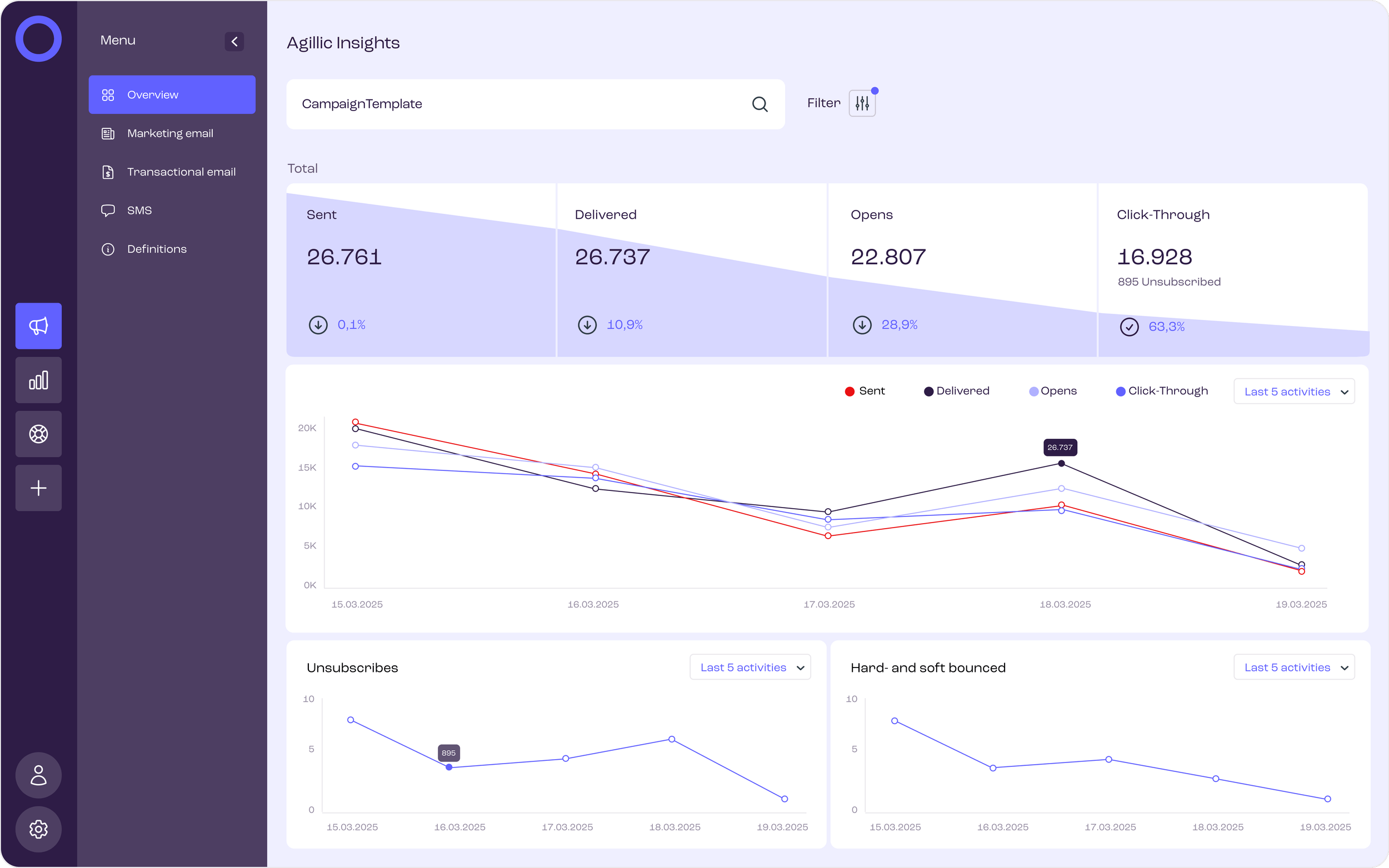
Agillic Insights
Analyze campaigns, emails and other channels with clear visuals to track performance, spot trends, and optimize results.
Highlights
Easy access to customer communications
🔑
Faster, more accurate support responses
🤝
Instant, detailed insights for every team
💡
Greater efficiency across the organization
⚡
Quickly verify personalized messages across channels
🔎
Got any product feedback? Join our user community and have a say in our next release.
Get started with Business Extensions
Let’s have a talk about how we can enhance your platforms.
New to our apps? Get in touch with our Product Team or compare plans on Pricing.